How to Redeem Blueprint Codes
Practical steps and safety checks for [PC RELEASE] Blueprint! if promo codes ever ship.
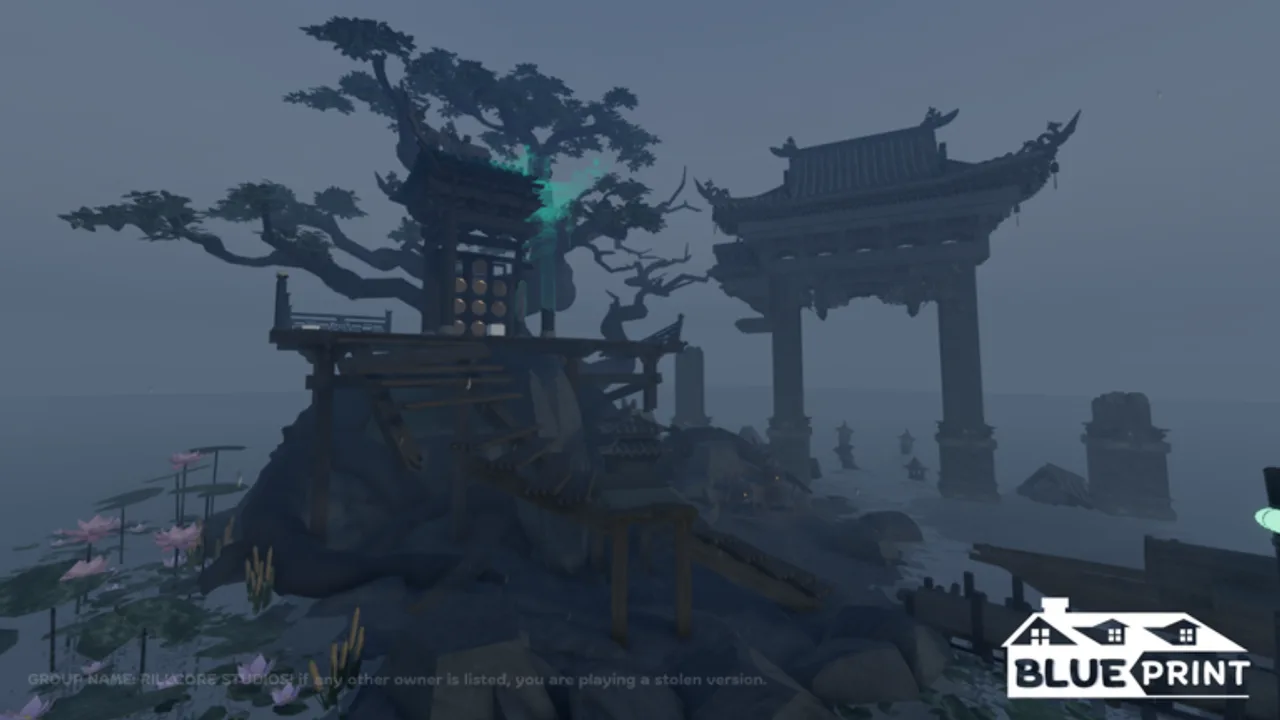
This guide explains how to redeem codes for [PC RELEASE] Blueprint! on Roblox without falling for common scams. Blueprint is a free building sandbox by Riley (rillcore) / Rillcore Studios with no money system and no gamepasses. As of early PC release, there are no widely published promo codes to redeem. Treat this page as the official wiki checklist you will use the moment a real code is announced.
For the live status table (or honest empty state), start at the Codes hub. For community channels where codes would be posted first, use the Players hub and Official Links.
Before you redeem anything
- Confirm the place ID and title. The real experience is [PC RELEASE] Blueprint! at the official Roblox URL (universe ID
9505284283). Paid clones that sell “Blueprint VIP” or “code unlock” are not the real game. - Confirm the code source. Prefer Discord announcements (
https://discord.gg/U8f3Tynr99), Carrd (https://rillcore.carrd.co/), TikTok@rillcore, or text inside the live experience—not random comment spam. - Remember Blueprint does not need Robux to play or build. If redemption requires a purchase, stop.
- Never paste account cookies, passwords, or backup codes into a “redeemer” website.
Step-by-step when a code exists
Roblox games that support codes usually follow the same player flow. When Blueprint adds a Codes UI (if it ever does), use this sequence:
- Launch the official Blueprint place from Roblox on PC.
- Finish any first-load tutorial prompts so the HUD is fully available.
- Look for a Codes, Rewards, Settings, or Shop button on the HUD. Early-development UIs move; check Discord patch notes if the button is renamed.
- Open the panel and find a single-line text field.
- Type the code exactly as published—watch capital letters, hyphens, and spaces.
- Submit / Redeem once. Wait for a success or error toast before retrying.
- If the reward is a furniture pack or cosmetic, check inventory or the item browser; Blueprint already ships 900+ items, so new drops may appear as a filterable category.
If no Codes button exists in your build, the string is either fake or not live yet. Do not install third-party “auto redeem” tools. See the Scripts hub for why executors are a poor idea on a creative sandbox.
Build-mode note while hunting UI
Creator tip from Riley: B closes build mode so you can walk the plot freely. If you are stuck in placement tools while searching for a Codes panel, press B, then scan the HUD again. Freecam and Edge Scroll help when menus sit behind large roofs or tall walls—both are covered conceptually in the Tier List hub and practical tips in the Tools hub.
What rewards would look like
Because Blueprint has no cash economy, a future code would more likely grant:
- Limited furniture or decal packs
- Event atmosphere presets or lighting packs
- Temporary plot cosmetics
- Tester or community thank-you items
It would not grant “Blueprint bucks,” spin tickets, or paywalled floors. Plots already support large builds (1024 x 1024 studs, up to 15 floors) without a soft-currency gate. Anyone promising millions of coins for a code is describing a different game.
Troubleshooting failed redemptions
- Invalid / expired: The string never existed, was mistyped, or the event ended. Recheck Discord; update this wiki only from confirmed sources.
- Already redeemed: Many Roblox codes are one-per-account. Alts usually do not multiply rewards and may violate Roblox rules.
- No button in UI: Blueprint may simply not support codes yet. Wait for an official patch note on the Updates hub.
- Wrong experience: You joined a lookalike. Leave and open the official place from Official Links.
- Mobile: Mobile support is planned later. Early release focuses on PC; UI paths may differ when mobile ships.
Safety habits that never change
- Prefer official Discord and Carrd over influencer screenshots alone.
- Ignore DMs that ask you to “verify” for a code drop.
- Do not buy “private Blueprint code lists.”
- Do not run executor scripts that claim to inject codes—account risk is not worth a free chair model.
- Report fake paid Blueprint places through Roblox reporting tools.
After you redeem
Save your plot with multi-select custom saves if the reward changes a room layout. Share liked builds through normal Roblox flows and leaderboards (liked / visited / playtime / items) rather than paying boosters. If the code related to a bugfix or tester thank-you, keep an eye on the Updates hub for follow-up patches—early development still expects roof and tool bugs.
Related pages
- Codes Hub — current code status for Blueprint
- Getting Started — first-hour plot setup
- Tools Hub — permissions, performance, build checklist
- Players Hub — Discord, applications, fake-game warnings
- Scripts Hub — why unverified executors are unsafe
When a real code is confirmed, this page will gain exact button names and screenshots. Until then, the correct redeem workflow is: verify the source, open the official PC place, and refuse any Robux gate.
Frequently Asked Questions
Quick answers to the most common questions.
Can I redeem Blueprint codes right now?
There are no widely published working promo codes for Blueprint yet. Use this guide when an official announcement appears on Discord or other Rillcore channels.
Where is the Codes button in Blueprint?
Early PC builds may not include a Codes panel at all. If one is added, look for Codes, Rewards, Settings, or Shop on the HUD after leaving build mode with B.
Why did my code say invalid?
Common causes are typos, expired event strings, already-redeemed limits, or fake lists. Confirm the string from Discord or Carrd before retrying.
Do codes work on mobile?
Blueprint mobile support is planned for later. Early release focuses on PC. When mobile ships, redemption UI may differ—check Updates for notes.
Is a website that auto-redeems Blueprint codes safe?
No. Never give passwords, cookies, or session tokens to redeemer sites. Redeem only inside the official Roblox experience.
Will codes give Blueprint money?
Blueprint has no money system. Legitimate future codes would more likely grant cosmetics or furniture, not a fake currency.