Plot Permissions in Blueprint
Who can build, where friends spawn, and how to keep a 1024×1024 plot under control.
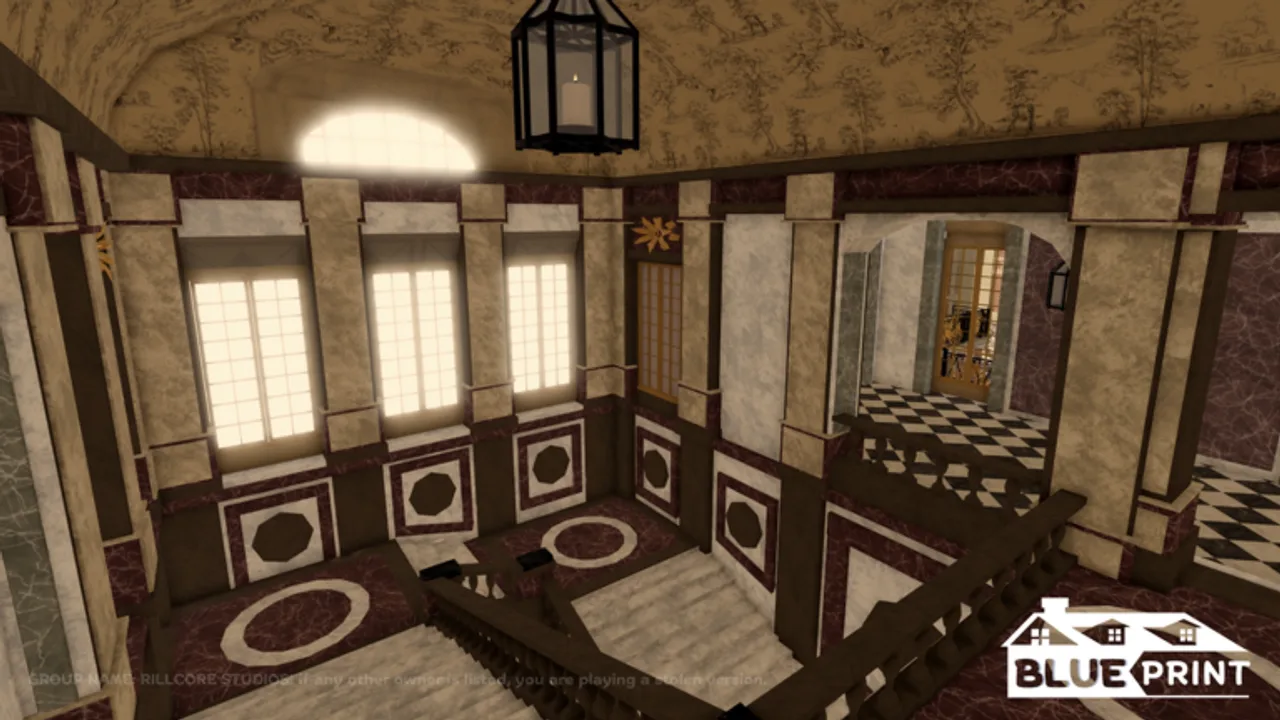
Plot permissions are the safety net of Blueprint’s free Roblox building sandbox by Riley (rillcore) / Rillcore Studios. On a 1024×1024 stud plot with room for 15 floors, one careless guest can undo hours of work in seconds. This guide explains why permissions matter, how everyone mode differs from typing usernames, how to maintain the allowed builders list, when to set a custom spawn point, how to watch object count and remaining budget, and how to run polite online co-op without inviting chaos. Pair it with Getting Started, Controls, Building Basics, and the practical Build Checklist.
Blueprint has no money system and no gamepasses. Paid lookalike places that sell “VIP plot unlocks” are scams—play only the official Roblox place and verify links from Official Links or the Players hub. The experience is in early PC release; mobile arrives later, so treat these workflows as keyboard-and-mouse defaults for now.
Why permissions matter on a huge plot
Each Blueprint plot behaves like its own server. Friends can join you and co-build when you grant access, which is fantastic for mansion shells, gallery wings, and landscaping sessions—and dangerous if edit rights are left wide open. Permissions are not a formality; they are how you decide who may place, move, or delete pieces across a footprint larger than most Roblox house games.
Before you invite anyone:
- Decide whether the session is tour only or edit together.
- Store multi-select custom saves of façades, roofs, and room kits you care about (see Building Basics).
- Agree who owns the final aesthetic so two people are not fighting the same roof line.
- Open plot settings and confirm object count / remaining budget so you know how much headroom collaborators have.
Permissions protect craft. They also protect performance: fewer accidental mass deletes and fewer spam placements keep the session responsive while you walk and freecam the shell.
Everyone vs named builders
Plot build permissions typically follow two mindsets:
- Everyone — Broad access. Convenient for trusted friend groups who already share Discord voice and build rules, risky for public drop-ins.
- Named builders (type usernames) — Explicit allowlist. You type Roblox usernames into the allowed builders list and only those accounts can edit.
For showcases, tours, and casual hangouts, keep edit locked to named builders (or only yourself) while visitors walk. For dedicated co-op nights, switch to a short allowlist of people on the call. Prefer named builders whenever strangers can join the plot server. “Everyone can build” is a power tool, not a default for public sessions.
If you must use everyone mode for a rapid jam, reverse it the moment the jam ends. Do not leave wide edit rights overnight on a plot you love.
Adding and removing allowed builders
Treat the allowed builders list like a door key ring:
- Open plot settings on your plot.
- Choose the named / username permission style when you want control.
- Add each collaborator’s exact Roblox username.
- Confirm they can place a harmless test piece, then continue the real work.
- Remove usernames when the session ends or when someone’s role changes from editor to guest.
Hygiene tips:
- Add people just before the co-op block, not days early “just in case.”
- Remove leavers promptly so old friends-of-friends do not retain edit rights forever.
- Keep a short written roster in Discord if your group rotates often—community norms live in Discord and applications (
https://discord.gg/U8f3Tynr99) and Carrd (https://rillcore.carrd.co/). - Never trade edit access for Robux, “VIP scripts,” or paid clone invites. Official Blueprint does not sell build rights.
If a username fails to gain edit, recheck spelling, privacy settings, and whether they actually joined your plot server rather than a lookalike place.
Custom spawn point on a 1024×1024 plot
A plot this large makes default spawn frustrating. Friends may load at a distant corner while your mansion, pool court, or basement entry sits minutes of walking away. Use the custom spawn point in plot settings so collaborators appear near the active work zone.
Good spawn habits:
- Place spawn beside the current wing, not inside a unfinished void or deep pool volume.
- Move spawn when the project’s center of gravity shifts (for example, from exterior massing to interior furniture).
- Leave clear walk paths from spawn to the build so new joiners do not clip through temporary scaffolds.
- After setting spawn, rejoin yourself once to verify the landing feels honest in walk mode (B closed per Controls).
Custom spawn is collaboration UX. It cuts “where are you?” chat spam and keeps freecam reviews focused on the same courtyard.
Object count, remaining budget, and shared discipline
Plot settings surface object count and remaining budget so you can see how full the plot is becoming. On a free sandbox with 900+ catalog items and fifteen vertical levels, the limit is taste and performance—not a cash shop. Still, every collaborator should respect the meter:
- Check remaining budget before a furniture spam session.
- Prefer multi-select custom saves over duplicating noisy one-off clutter.
- Delete test scraps and marker blocks before inviting more builders.
- Split roles: one person owns structure, another owns décor, so object growth stays intentional.
When budget gets tight, stop decorating and run the Build Checklist cleanup pass. A lean shell with clean roofs beats a dense plot that lags every freecam sweep.
Co-op etiquette that keeps friendships intact
Online co-op is a Blueprint feature, not an accident. Etiquette checklist:
- Announce before deleting large assemblies.
- Do not “improve” someone else’s finished façade without asking.
- Save kits before experimental roof or pool edits.
- Use voice or Discord text to call floors (“I’m on level 3 east wing”) so avatars do not collide on the same stud.
- End the session by reviewing permissions and spawn—lock edit if the next visitors are spectators only.
Riley’s FAQ-style community notes also describe offline / online access concepts around how plots and friends interact when hosts are away. Treat those options carefully: understand whether a collaborator can keep working without you before you grant lasting rights. If you are unsure how a setting behaves after a patch, skim Updates and ask in the official Discord rather than guessing on a finished build.
Safety before inviting strangers
Blueprint plots can feel private because they act like their own servers, but Roblox usernames are still public identities. Before adding someone you met in a random server:
- Confirm they are not steering you toward a paid clone.
- Keep edit rights minimal until trust is earned—start with visit-only hangouts.
- Never share account credentials; permissions are per-username on the plot, not password swaps.
- Screenshot milestones so recovery is possible if grief happens.
- Revoke access immediately after a bad session.
Strangers can be great collaborators once vetted through Discord showcases and shared etiquette. They should not receive everyone-mode edit on day one.
Solo workflow still benefits from plot settings
Even alone, open plot settings regularly:
- Confirm you did not leave everyone-build on from a previous jam.
- Reposition spawn near today’s task so you stop hiking across empty studs.
- Watch object count before starting a new floor of the fifteen available.
- Keep a mental note of remaining budget when stamping large custom saves.
Permissions, spawn, and budget are part of professional plot hygiene—same family as Edge Scroll, freecam, and multi-select saves.
Related guides and next steps
When permissions feel settled:
- Refresh inputs in Controls
- Lock structure habits in Building Basics
- Browse the full how-to map on the Guides hub
- Coordinate community invites via Players and Discord and applications
- Run Build Checklist before big co-op nights
- Watch Updates when permission or plot-server behavior changes
- Verify official URLs on Official Links
Blueprint rewards builders who treat access like architecture: deliberate openings, clear circulation, and doors that close when the party ends. Set permissions on purpose, move spawn to where the work is, respect object budget, and only expand the allowlist to people you would trust with a custom-saved façade.
Frequently Asked Questions
Quick answers to the most common questions.
Should I leave Blueprint plot build permissions on everyone?
Only for short, trusted jams. Prefer typing usernames into the allowed builders list for normal co-op, then revoke access when the session ends.
How do I add or remove allowed builders on my plot?
Open plot settings, choose named-builder style permissions, type exact Roblox usernames to grant edit, and remove those names when collaborators become guests again.
Why set a custom spawn point on a Blueprint plot?
A 1024×1024 stud plot is huge. Custom spawn drops friends near the active wing so they are not walking from a distant default corner every join.
What are object count and remaining budget in plot settings?
They show how full your plot is becoming. Check them before furniture spam or large custom-save stamps so co-op stays intentional and the session stays responsive.
Are paid Blueprint experiences that sell plot VIP real?
No. Official Blueprint by Rillcore Studios is free with no gamepasses. Use the official place and links from Official Links or the Players hub.